
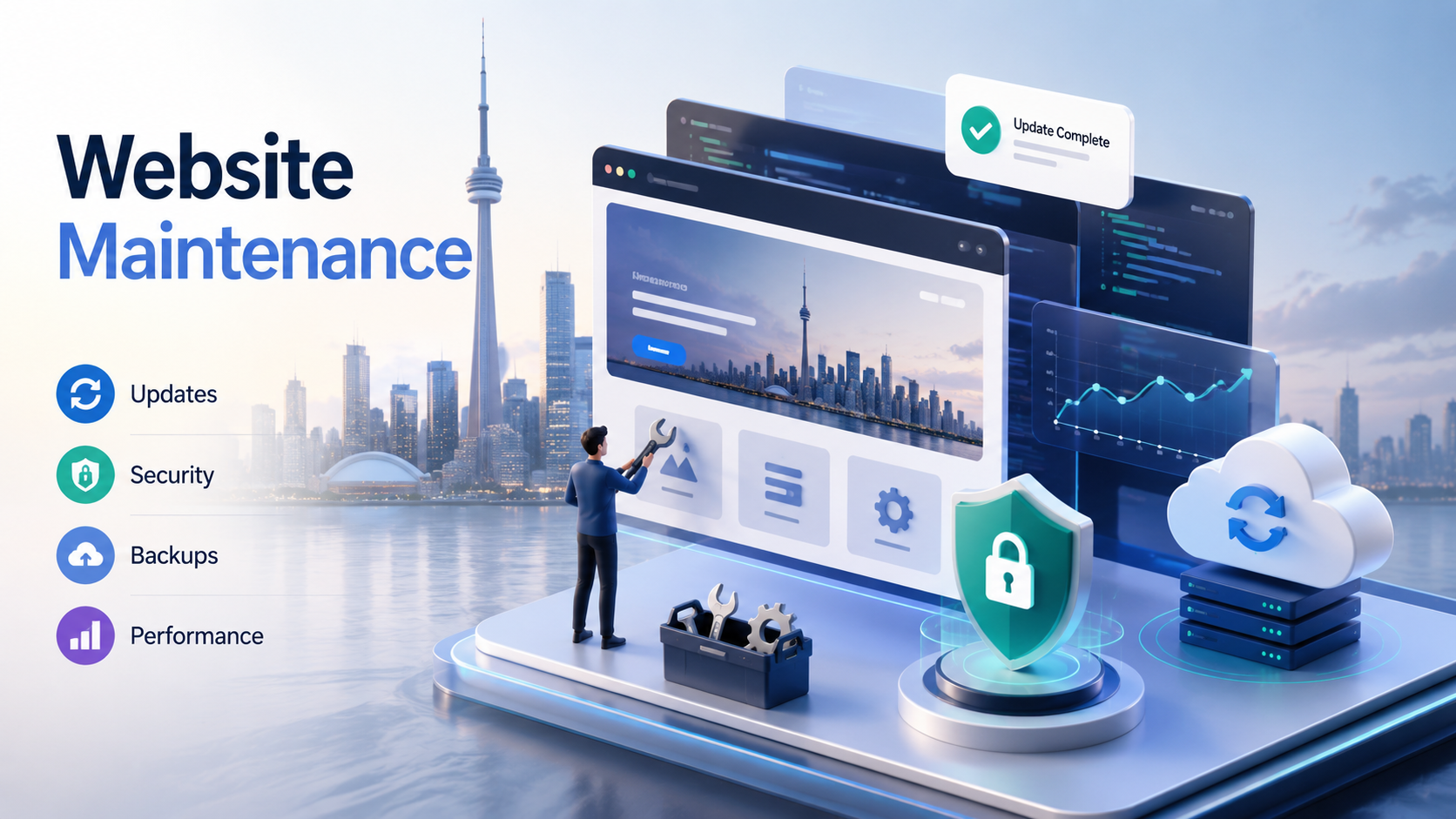
Summary: Monthly website maintenance in Toronto can cost anywhere from around $50 per month for very basic support to several hundred dollars per month for active updates, security monitoring, backups, SEO support, ecommerce maintenance, and ongoing improvements. The right price depends on the type of website you have, how often you need updates, how important the site is to your business, and whether you need simple technical care or a more hands-on website support partner.
Jump To:
- The Short Answer
- Why Website Maintenance Matters
- Monthly Website Maintenance Pricing in Toronto
- What Should Be Included in Website Maintenance?
- What Affects the Monthly Cost?
- WordPress Website Maintenance
- Ecommerce Website Maintenance
- Common Mistakes to Avoid
- How to Choose the Right Maintenance Plan
- Final Thoughts
If you own a small business website in Toronto, website maintenance is one of those things that is easy to ignore until something breaks. The site goes down. A plugin update causes an error. A contact form stops sending emails. A security warning appears. A page looks wrong on mobile. Suddenly, the maintenance plan that felt optional starts to feel very important.
A website is not something you build once and forget. It is a live part of your business. It needs updates, checks, backups, security care, content changes, and occasional improvements. This is especially true if your website is built with WordPress, WooCommerce, Joomla, Shopify, or a custom content management system.
For Toronto businesses, the question is not only “Do I need maintenance?” In most cases, you do. The better question is “How much should I pay for monthly website maintenance, and what should I actually get for that price?”
The Short Answer
For most small business websites in Toronto, monthly website maintenance usually falls into these general ranges:
- $50 to $150 per month: Basic technical maintenance, updates, backups, and light monitoring.
- $150 to $350 per month: Standard business support with updates, backups, security checks, small content changes, and regular care.
- $350 to $750+ per month: More active website management, content updates, SEO improvements, ecommerce support, performance work, and priority support.
- $1,000+ per month: Advanced ongoing website management for larger websites, custom platforms, busy ecommerce stores, or businesses needing regular development and marketing support.
These are practical ranges, not fixed rules. Current Canadian pricing examples show monthly maintenance for many small business websites around $50 to $200 per month, while Toronto maintenance providers also advertise low-cost plans starting around $49 per month for hosting, SSL, backups, monitoring, and updates. More active support naturally costs more because it includes human time, not just automated tools.
Why Website Maintenance Matters
Website maintenance matters because your website is always connected to changing technology. Browsers update. WordPress updates. Plugins update. Themes update. Hosting environments change. Security risks change. Even if you do nothing to your site, the world around it keeps moving.
A website that is not maintained can slowly become slower, less secure, less reliable, and harder to update. Sometimes the problems are obvious. Other times, they are quiet. A form may stop working and nobody notices for weeks. A page may break on mobile. A plugin may create a security risk. Your site may keep loading, but not as well as it should.
For a business website, that is not just a technical problem. It is a trust problem. If a potential customer visits your site and sees broken layouts, outdated content, browser warnings, or slow loading pages, they may not contact you. They may simply choose another company.
Monthly Website Maintenance Pricing in Toronto
Website maintenance pricing in Toronto depends on how much responsibility the provider is taking on. A low-cost plan usually covers basic care. A higher-cost plan usually includes more hands-on support, faster response time, and strategic improvements.
Basic maintenance: $50 to $150 per month
This level is usually suitable for small brochure websites that do not change often. It may include software updates, backups, uptime monitoring, SSL checks, and basic security scanning.
This can be enough for a simple website that only needs to stay online and secure. However, it may not include content edits, design changes, SEO improvements, speed optimization, or priority support.
Standard business maintenance: $150 to $350 per month
This is often the most practical range for small businesses. It usually includes the technical basics plus small content updates, plugin checks, troubleshooting, monthly reporting, and general website support.
For a Toronto service business that depends on its website for leads, this range often makes more sense than a bare-minimum plan because it gives the business access to real help when changes are needed.
Active website management: $350 to $750+ per month
This range is for businesses that need more than basic maintenance. It may include regular page updates, landing page improvements, blog publishing, SEO support, speed improvements, conversion updates, new sections, design tweaks, and more frequent communication.
If your website is part of your sales process, this type of support can be valuable. It is not only about preventing problems. It is about improving the website over time.
Advanced maintenance: $1,000+ per month
Larger websites, custom web apps, membership platforms, busy ecommerce stores, or multi-location business websites may need a more serious monthly support plan. This can include development hours, advanced troubleshooting, conversion work, custom feature updates, analytics review, SEO strategy, and priority response.
At this level, you are not just paying for maintenance. You are paying for ongoing website management and technical partnership.
What Should Be Included in Website Maintenance?
Before comparing prices, look at what is actually included. Two maintenance plans can both say “website support” but offer very different value.
A good website maintenance plan may include:
- Website software updates
- Plugin and theme updates
- Regular backups
- Security monitoring
- Malware checks
- Uptime monitoring
- SSL certificate checks
- Broken link checks
- Small content updates
- Form testing
- Speed and performance checks
- Monthly reports
- Priority support
- Minor design or layout fixes
The more hands-on the plan is, the more it will cost. That is normal. Automated backups and monitoring are one thing. Having an experienced person review updates, fix issues, make content changes, and improve the site is another.
If your website was built through custom web design, it is especially important to keep the design, structure, and functionality protected over time instead of letting updates slowly damage the quality of the site.
What Affects the Monthly Cost?
The cost of website maintenance is not random. It usually depends on a few clear factors.
Website size
A small five-page website is easier to maintain than a website with dozens of service pages, blog posts, landing pages, forms, integrations, and custom sections.
Platform
WordPress, Shopify, Joomla, WooCommerce, Webflow, and custom websites all have different maintenance needs. WordPress and WooCommerce sites often need more frequent plugin, theme, and security attention.
Update frequency
If you rarely need content changes, a basic plan may be enough. If you regularly add photos, blog posts, promotions, service updates, staff profiles, landing pages, or portfolio items, you need more support time.
Website importance
If your website is only a basic online brochure, the risk is lower. If your website generates leads, processes orders, handles bookings, or supports customer accounts, downtime and errors can cost real money.
Custom functionality
Custom forms, calculators, portals, booking systems, API integrations, memberships, and dashboards require more careful support. If your site has custom features, your monthly plan should include access to someone who understands custom web development, not only basic content updates.
SEO involvement
Some maintenance plans only keep the website running. Others include SEO improvements, content support, internal linking, metadata updates, or technical SEO checks. If search visibility matters, it may be worth combining website maintenance with SEO services.
WordPress Website Maintenance
WordPress maintenance is one of the most common needs for Toronto small businesses because WordPress powers many business websites. It is flexible, but it also depends heavily on themes, plugins, updates, hosting, and security care.
A proper WordPress maintenance plan should include regular core updates, plugin updates, theme updates, backups, security scanning, malware checks, and testing after major updates. The testing part is important. Updating everything blindly can sometimes cause problems, especially on websites with custom layouts, ecommerce features, or advanced plugins.
If your website uses Elementor, WooCommerce, booking plugins, membership plugins, advanced forms, or multilingual tools, maintenance becomes even more important. Those websites can work beautifully when they are cared for properly, but they should not be left untouched for months.
Ecommerce Website Maintenance
Ecommerce maintenance usually costs more than standard website maintenance because there is more at stake. If a regular page breaks, that is a problem. If checkout breaks, payments fail, shipping options disappear, or product pages load slowly, the business can lose sales immediately.
An ecommerce maintenance plan may include product updates, plugin checks, payment testing, checkout testing, shipping settings review, security monitoring, order-related troubleshooting, and performance optimization.
For businesses selling online, investing in ecommerce web design is only the beginning. The store also needs ongoing care so customers can shop smoothly and confidently.
Common Mistakes to Avoid
Choosing the cheapest plan without checking what is included
A low monthly price can be fine for a simple site, but it may not include the support you actually need. Always ask what happens if an update breaks the site, a form stops working, or you need urgent help.
Assuming hosting is the same as maintenance
Hosting keeps your website on a server. Maintenance keeps the website healthy. They are related, but they are not the same thing. A hosting company may not update your plugins, fix broken layouts, improve pages, or troubleshoot custom functionality.
Waiting until something breaks
Emergency fixes usually cost more and create more stress. Preventive maintenance is almost always better than panic repairs.
Ignoring backups
Backups are not exciting until you need them. A good maintenance plan should include regular backups and a clear restore process.
Not testing contact forms
This is one of the most common silent problems. A business may think leads are slow, but the real issue is that the form is not sending properly. Regular form testing should be part of maintenance.
Forgetting mobile checks
A website can look fine on desktop and still have issues on mobile. Since many local customers visit from phones, mobile checks matter. That is why ongoing maintenance should protect the quality of your mobile website design.
How to Choose the Right Maintenance Plan
The right plan depends on how much your website matters to your business. A small informational website may only need light support. A lead-generation website needs more attention. An ecommerce store or custom platform needs even more.
Here is a simple way to think about it:
- Choose basic maintenance if your website is small, rarely changes, and does not directly handle sales or bookings.
- Choose standard maintenance if your website brings in leads, needs occasional updates, and should always look professional.
- Choose active management if your website is part of your marketing strategy and needs regular improvements.
- Choose advanced support if your website has ecommerce, custom features, integrations, or high business impact.
It also helps to ask a few direct questions before signing up:
- How often are backups taken?
- Are plugin and theme updates tested?
- Are content updates included?
- How fast is support response?
- Is malware cleanup included or extra?
- Are SEO updates included?
- Is there a monthly report?
- What happens if the site goes down?
A good provider should answer these clearly. If the plan is vague, be careful.
Final Thoughts
So, how much should you pay for monthly website maintenance in Toronto? For most small business websites, a practical budget is around $50 to $350 per month, depending on the level of support. Businesses that need active updates, SEO support, ecommerce maintenance, custom development, or priority service should expect to pay more.
The cheapest plan is not always the best choice. The right maintenance plan is the one that matches how important your website is to your business. If your site brings in leads, supports trust, or processes sales, regular care is not an extra. It is part of keeping your business running properly online.
At BridgeWeb, we help Toronto businesses build and support websites that are designed to stay professional, secure, mobile-friendly, and useful over time. If your website needs ongoing updates, technical support, SEO improvements, or a stronger maintenance plan, you can contact BridgeWeb to discuss the best option for your business.

